Blog
Here you can learn a little more about KalendMe, our functions and recommendations on how to use the platform

Meeting rooms, equipment, salon chairs, photo studios — anything bookable in your business now has its own public availability page, ICS feed, and email-driven booking flow.
Set up group meetings where all hosts must attend, or round-robin links that distribute bookings across your team automatically.

Connect personal AI agents like NanoClaw or Claude to your KalendMe account and let them check your availability, book meetings, and manage your schedule automatically.
We announce KalendMe's integration with Zoom, allowing you to easily schedule and join meetings and automatically generate links to each scheduled event for premium account users.

Every day more and more customers expect to be able to do everything online, including booking appointments online. You should let them.
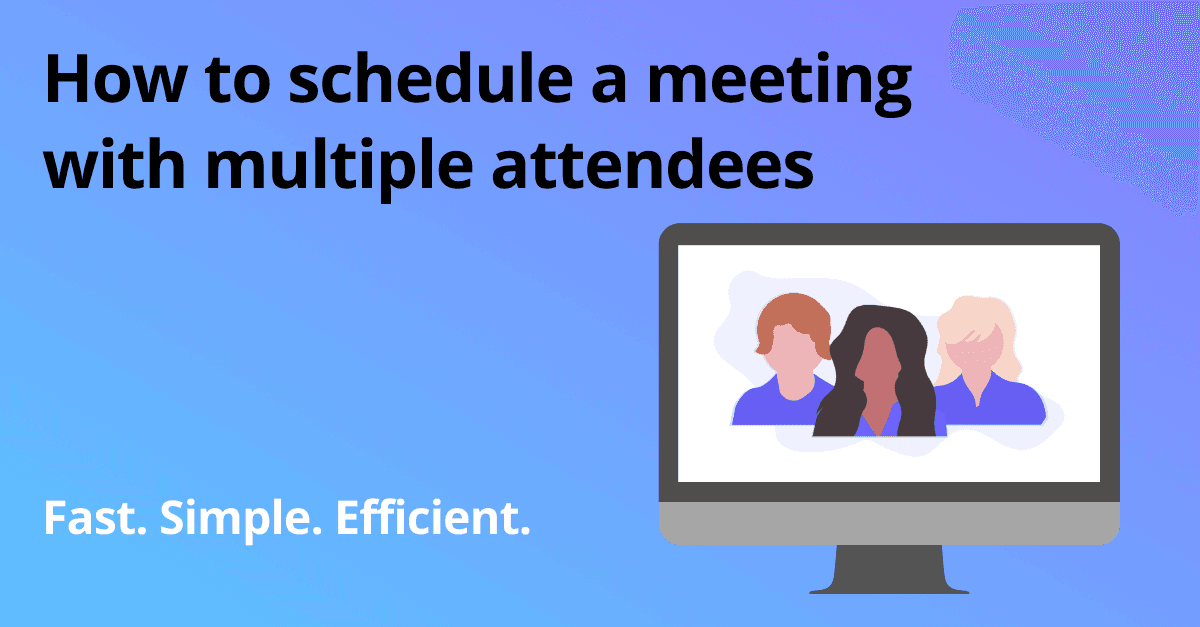
Schedule group meetings with KalendMe and find a time that works for everyone in seconds. Without having to share anyone's calendar details
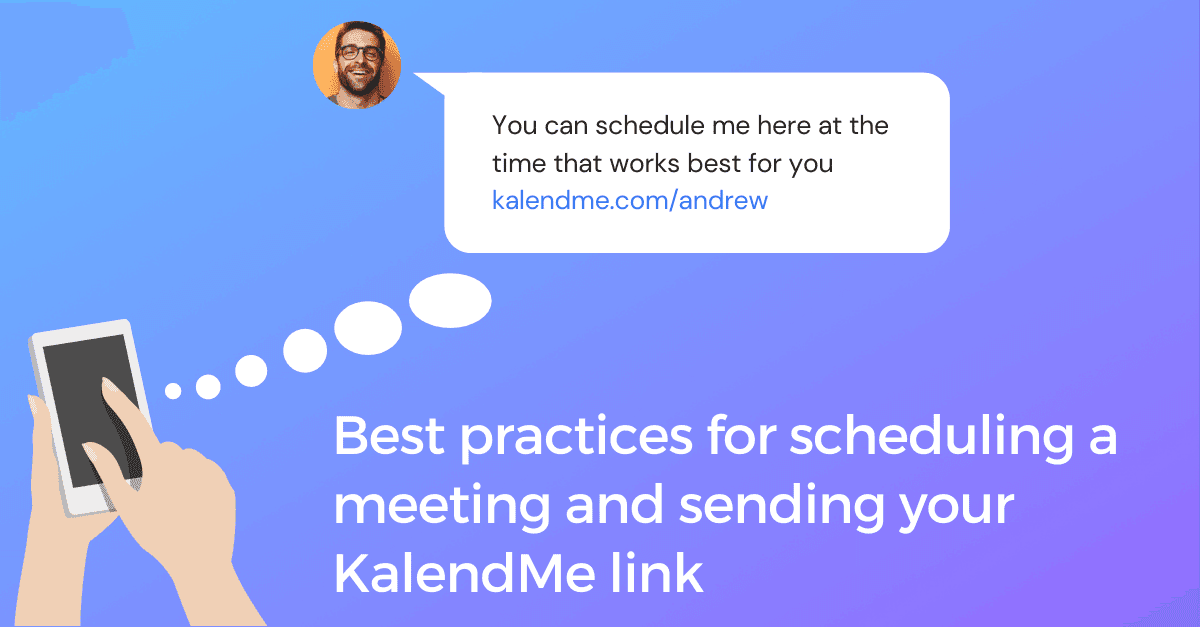
Copy-paste message templates for scheduling meetings by email, WhatsApp, or LinkedIn. Professional wording for proposing meetings with clients, candidates, and colleagues.
Try it in less than 2 minutes
(No credit card required)